

The outcome
Built to carry into the next research cycle.
A reviewable collection of high-signal pages instead of a sitemap dump or an afternoon spent clicking through the site by hand.
Start with a competitor domain. PMM Tools follows the site’s own structure, collects candidate URLs, and helps separate product evidence from navigation noise.
A reviewable collection of high-signal pages instead of a sitemap dump or an afternoon spent clicking through the site by hand.
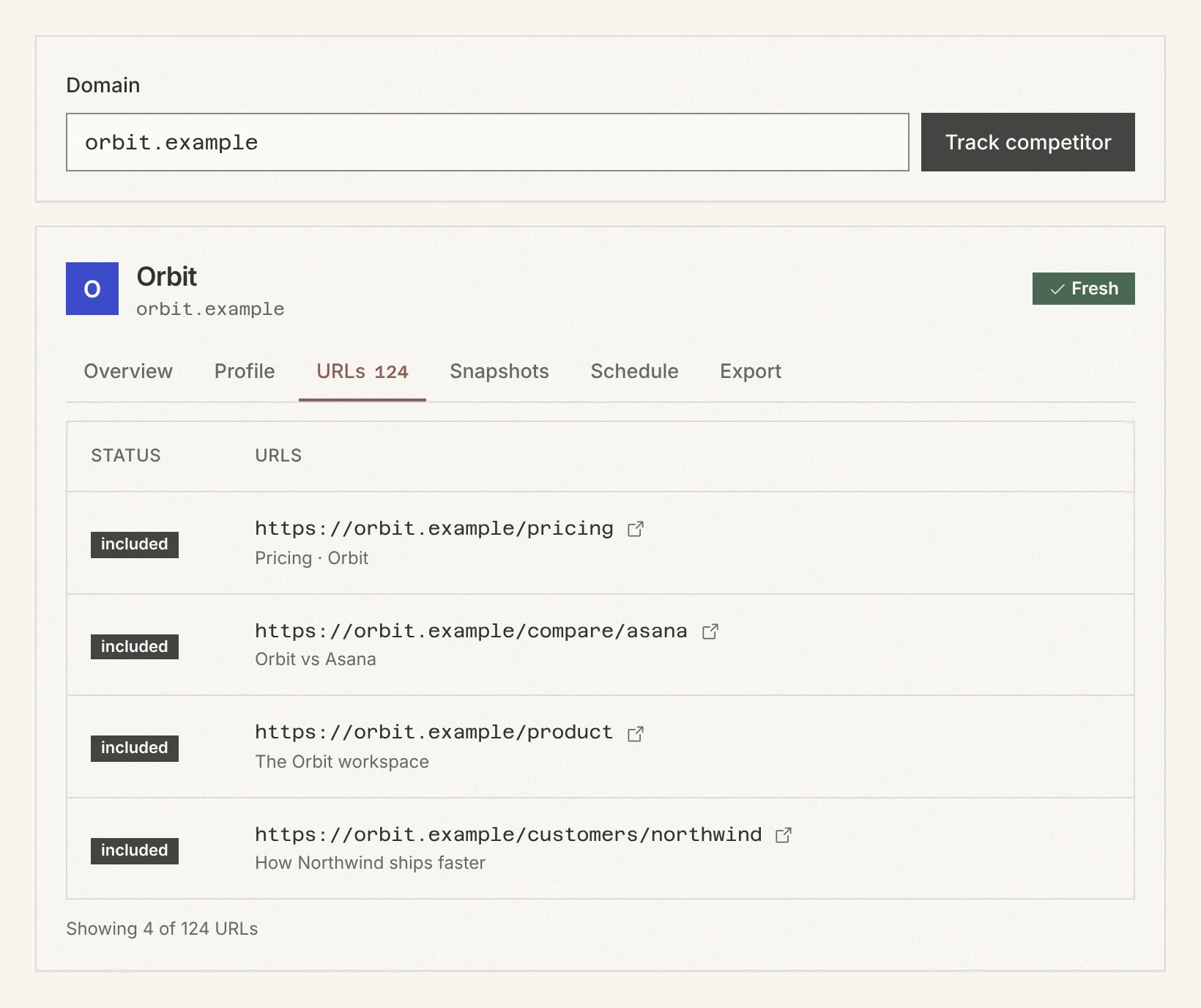
Enter the domain once. PMM Tools follows the site’s own structure and brings the candidate pages into the competitor’s collection.
Step 1
Enter the primary domain
Step 2
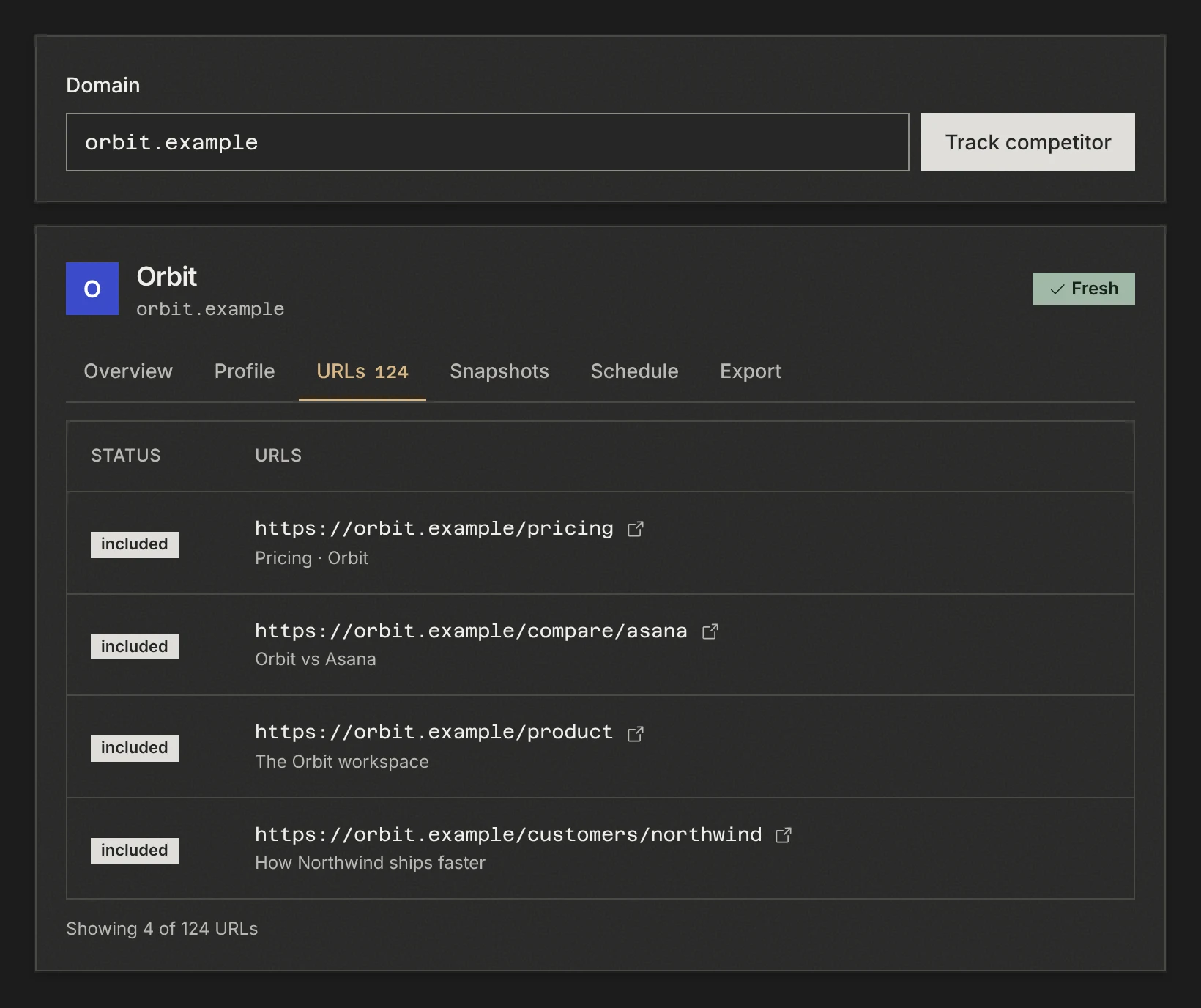
Review discovered and categorized URLs
Step 3
Include the pages that deserve a full capture
Step by step, with screenshots: Add a competitor and find its pages
PMM Tools keeps the collection, captures, and delivery path connected from the first domain through every refresh.