
Capture competitor pages and check the source
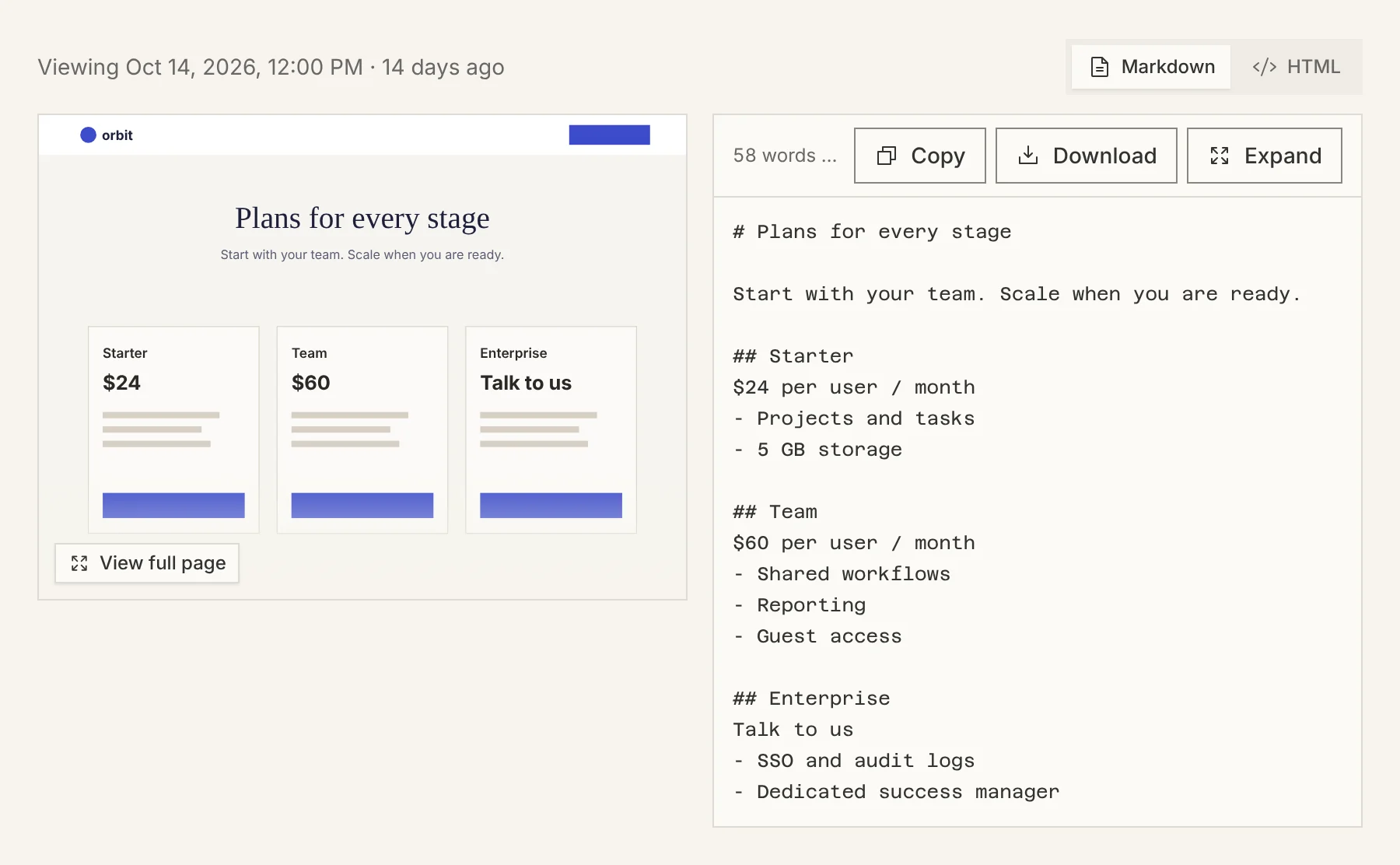
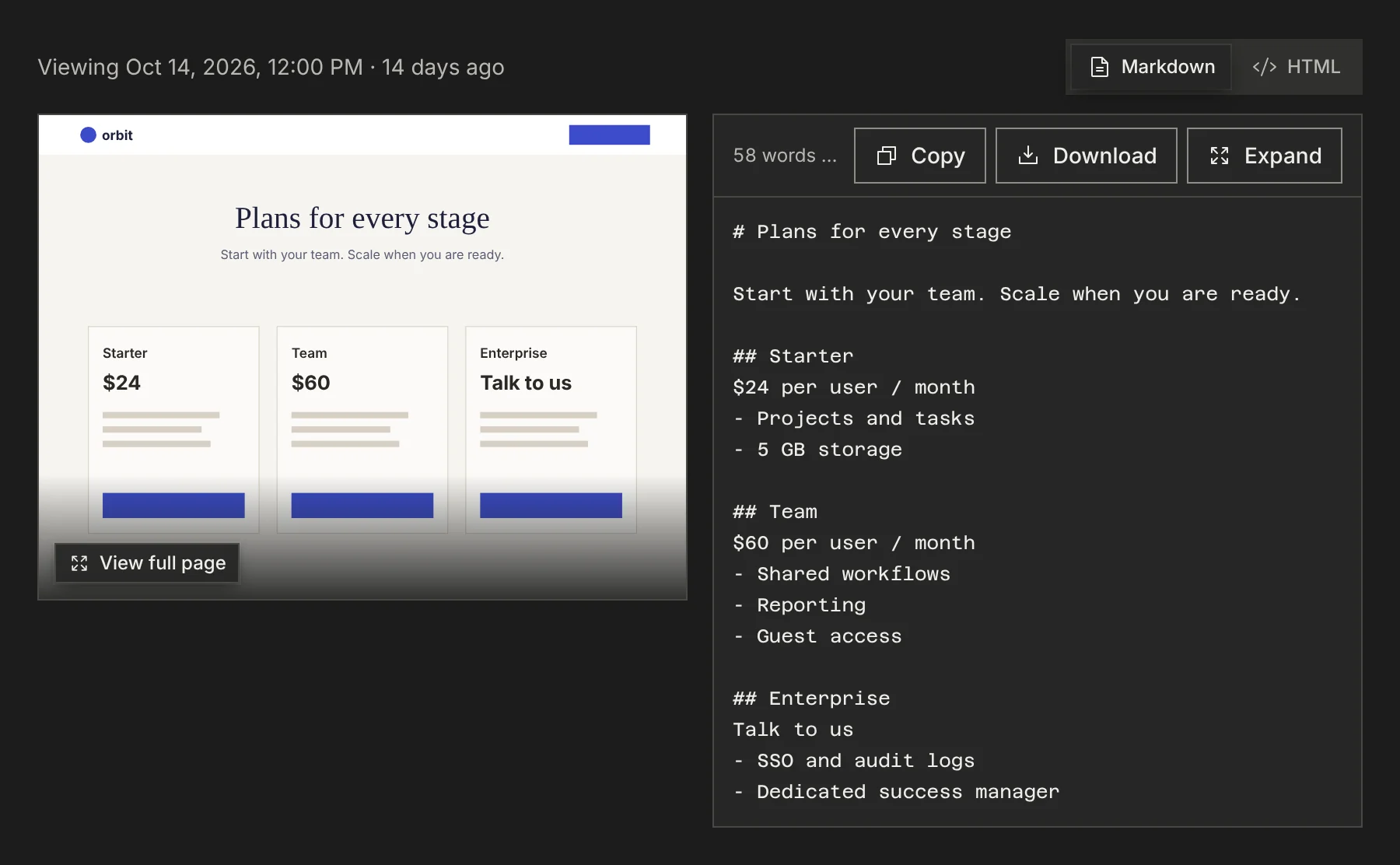
To capture competitor pages, add the competitor and let its first run finish. Every capture is one page at one moment: clean markdown for your AI, a screenshot for you, and the source URL and capture date that tie them together. Open a competitor’s Snapshots tab to read any capture side by side with its screenshot, so a claim can always be checked against what the competitor published.
What a capture holds
Markdown for the model
The page’s text, stripped of navigation and boilerplate, in a format an AI reads efficiently.
A screenshot for you
The page as it looked, so you can check layout, emphasis and packaging that text alone misses.
The source trail
The URL and capture date stay with both files. When a capture also stored the page’s HTML, you can switch to it.
Read a capture
Open the competitor and choose Snapshots. Pick a page from the list to see the screenshot beside its markdown, with the capture date above. Switch between Markdown and HTML, copy the text, or download it.
When a site blocks capture
Some sites block automated capture. PMM Tools records a blocked page as blocked and keeps serving the last good capture of it, rather than replacing it with an error page. On Business and above, a blocked capture is retried with heavier capture methods, one step at a time.
A page that still cannot be captured can be captured from your own browser with the PMM Tools Chrome extension, into the same competitor. An agent with its own browser can save a page it captured with pmm_competitor_capture.
Do it over MCP
Everything above also works from your AI client. These tools do the same job; see the MCP quickstart to connect.
pmm_competitor_pagespmm_competitor_readpmm_competitor_capturepmm_competitor_protection_status
“List Orbit’s captured pricing pages in PMM Tools with their capture dates, then read the main pricing page.”
Calls:
pmm_competitor_pages,pmm_competitor_read
Questions
Why keep a screenshot if the AI reads markdown?
The screenshot is how you check the markdown. It shows what the competitor actually published on that date, including what the text alone cannot: hierarchy, emphasis, and how plans are laid out.
Does a failed capture overwrite a good one?
No. A blocked or failed attempt is recorded, and the page’s last good capture stays the one your AI reads.