
How it works: the competitor analysis process
A competitor analysis starts with the competitor’s own website: its product, pricing, comparison and customer pages. PMM Tools runs that part of the competitor analysis process for you. You enter a domain. It finds the site’s pages, sorts them into research categories, and captures each one as clean markdown plus a screenshot with its URL and capture date. It keeps those captures fresh and serves them to the AI you already use over MCP. Your AI does the analysis, and you can check every claim against the page it came from.
1. Find every page
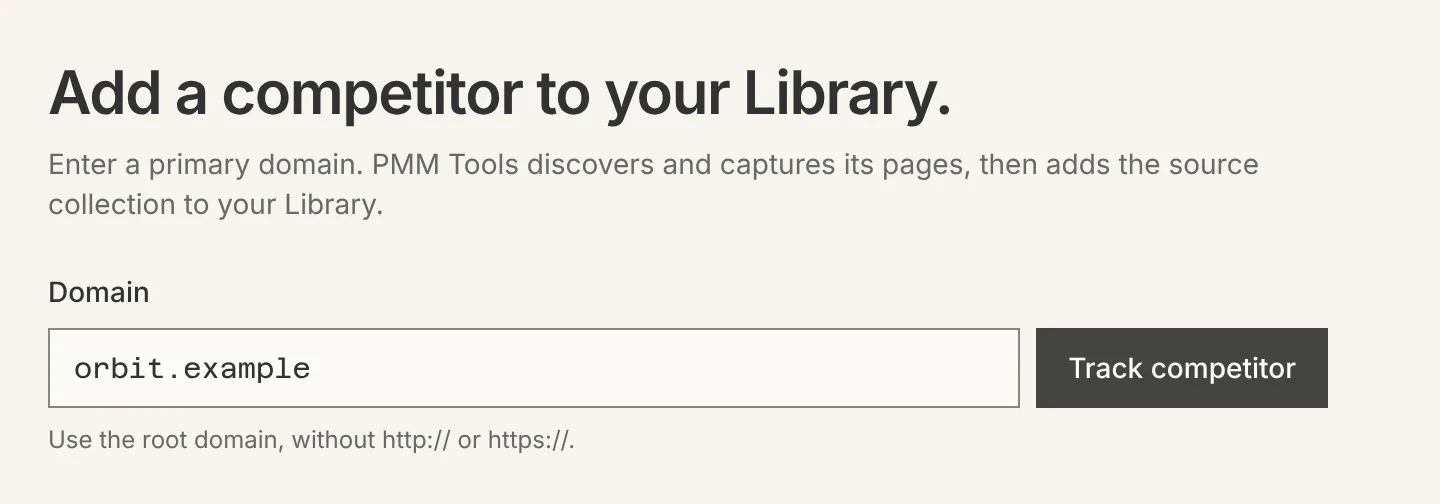
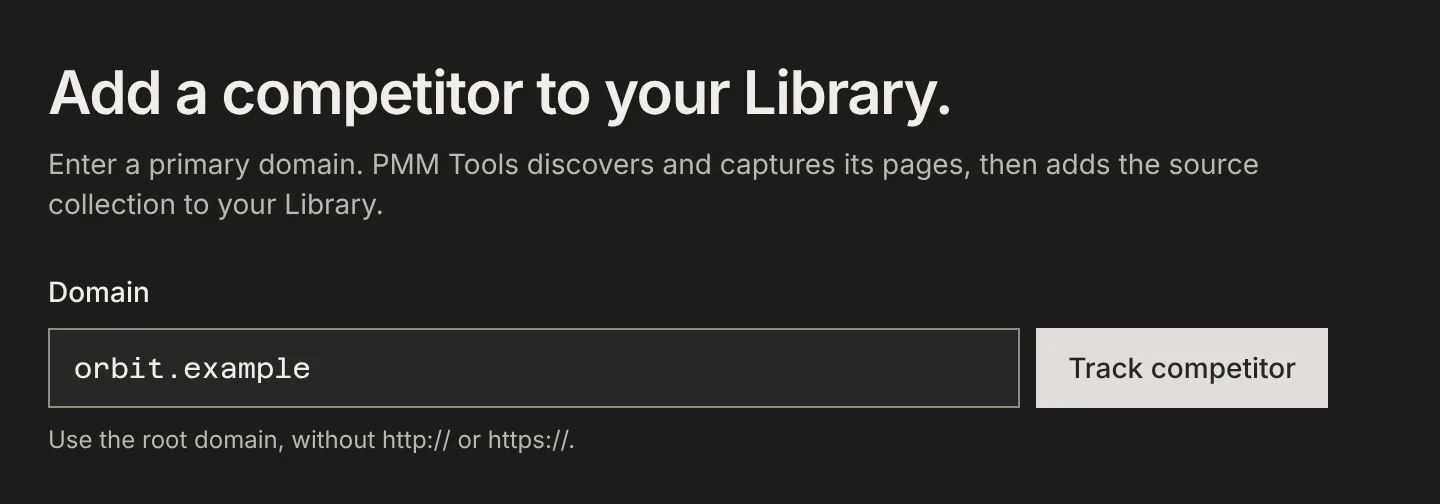
Enter the competitor’s domain. PMM Tools reads robots.txt and the usual sitemap locations, then the site’s navigation and footer when a sitemap is missing or thin. Every page it finds lands in the competitor’s URL collection, with where it was found.
Guide: Add a competitor and find its pages
2. Sort it into research categories
Each page is sorted by the question it answers: pricing, positioning, product, customer proof, integrations, docs, news, or other. The path, title and description all count, not just the URL. Pricing, positioning, product, proof and integration pages are included by default; careers, legal and other noise are not. You can include or exclude any page.
Guide: Add a competitor and find its pages
3. Capture each page as source files
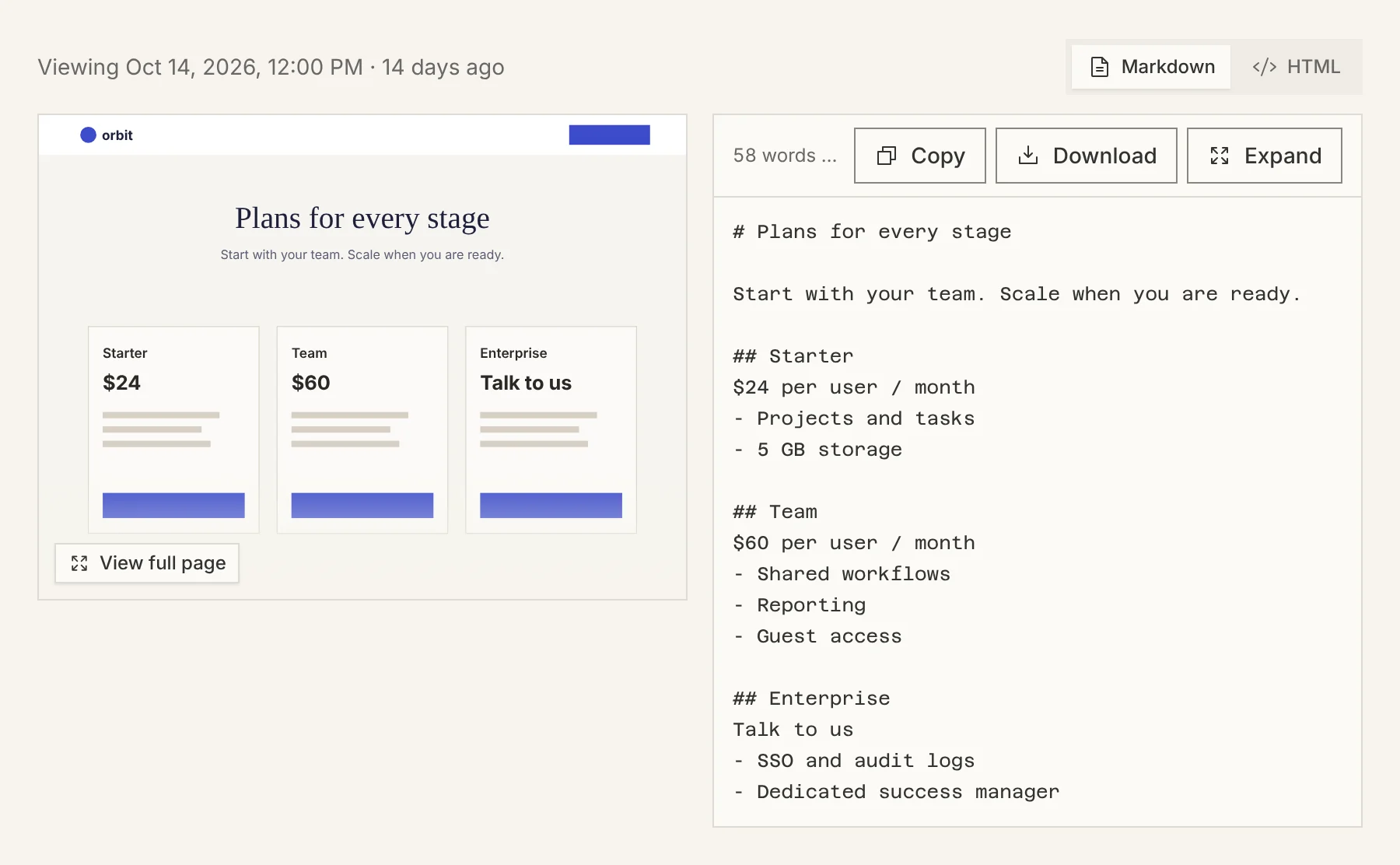
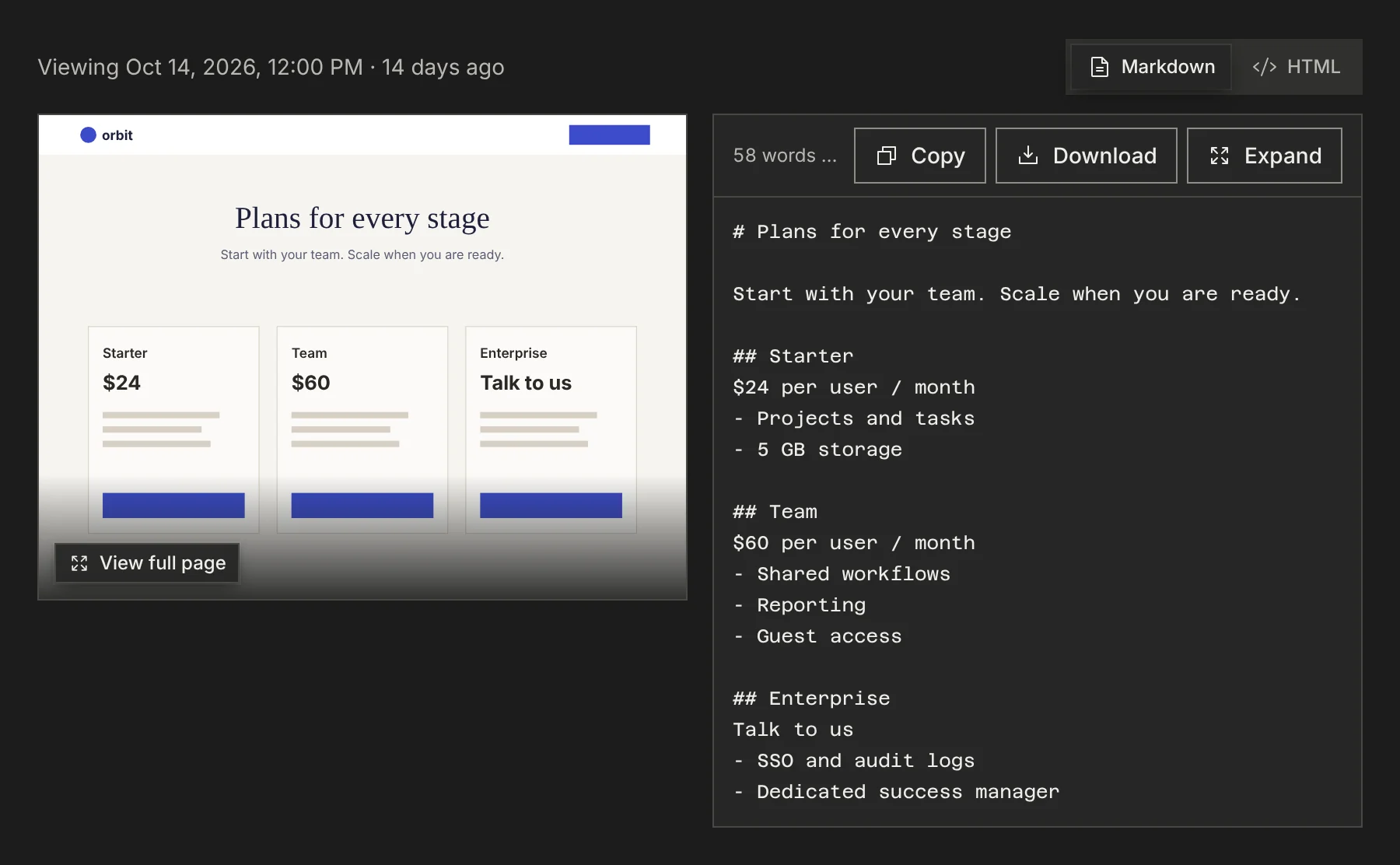
A run captures the pages that belong in the research: clean markdown for the AI to read, a screenshot for you to check it against, and the source URL and capture date that tie the two together. Pages that block automated capture are recorded as blocked rather than silently skipped.
Guide: Capture competitor pages and check the source
4. Keep it fresh
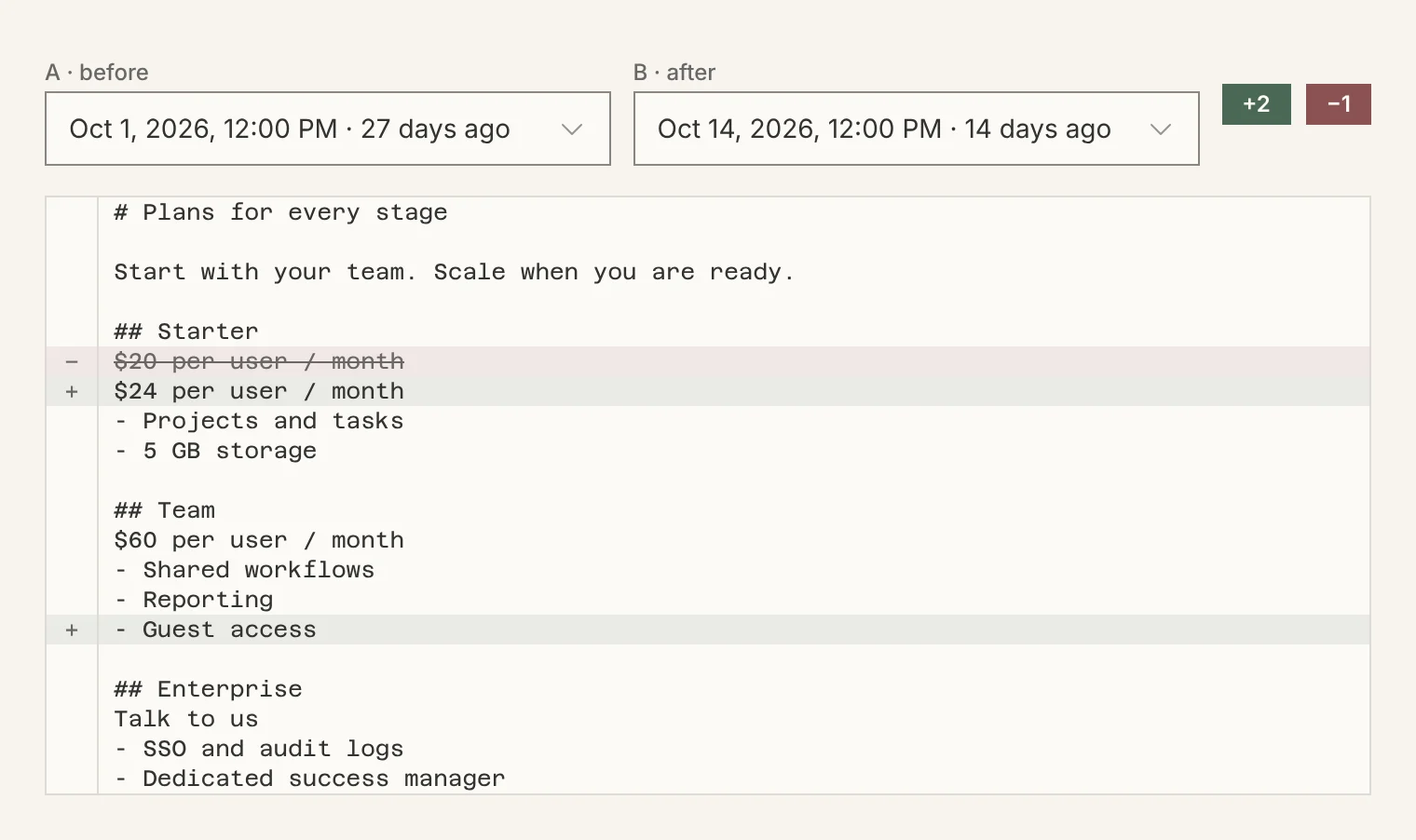
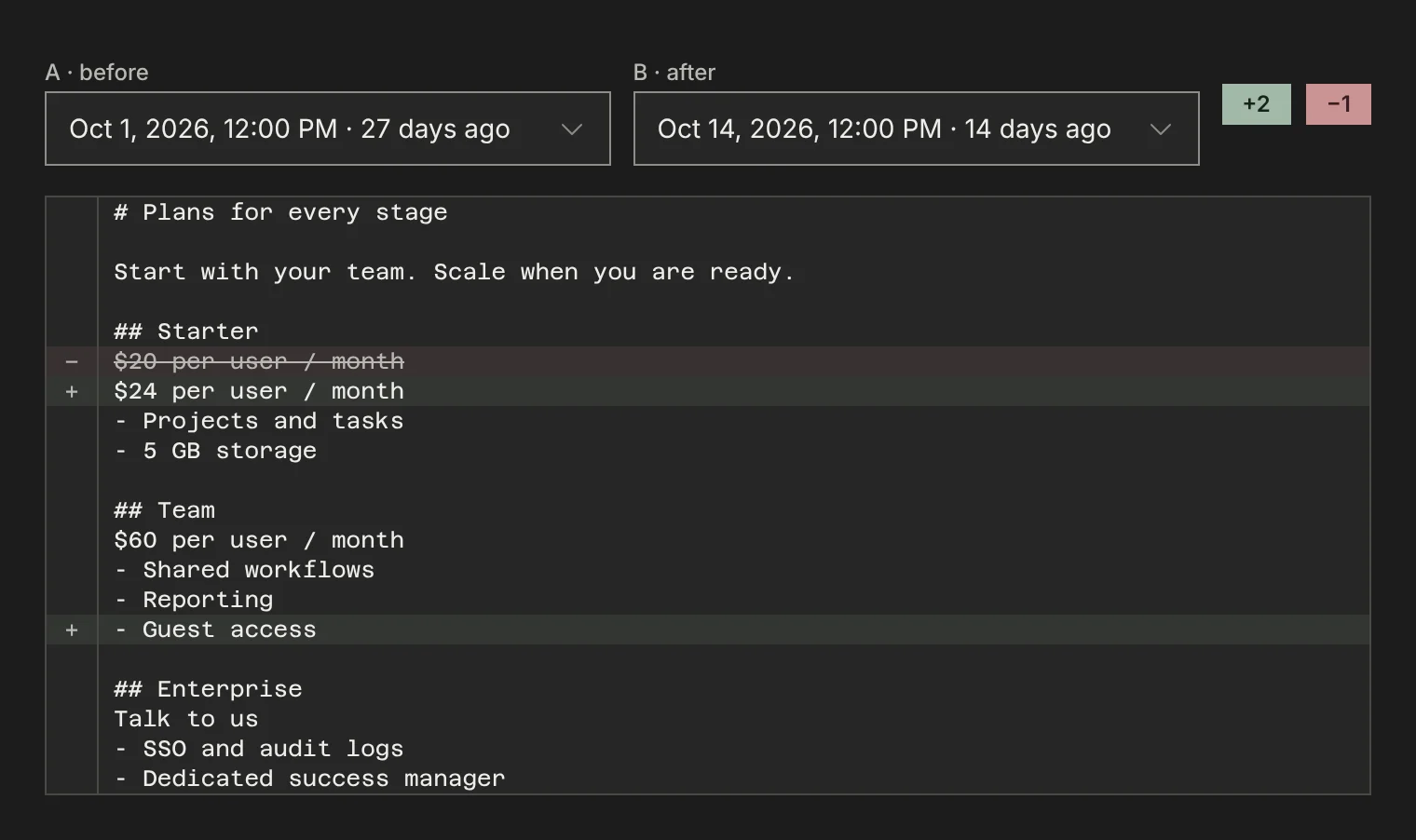
Run a refresh whenever you want one, or put the competitor on a schedule (every 2 weeks, monthly or every quarter, depending on your plan). Each refresh keeps the earlier capture, so you can compare any two versions of a page and see exactly what changed and when.
Guide: Refresh captures and monitor competitor website changes
5. Research with your AI
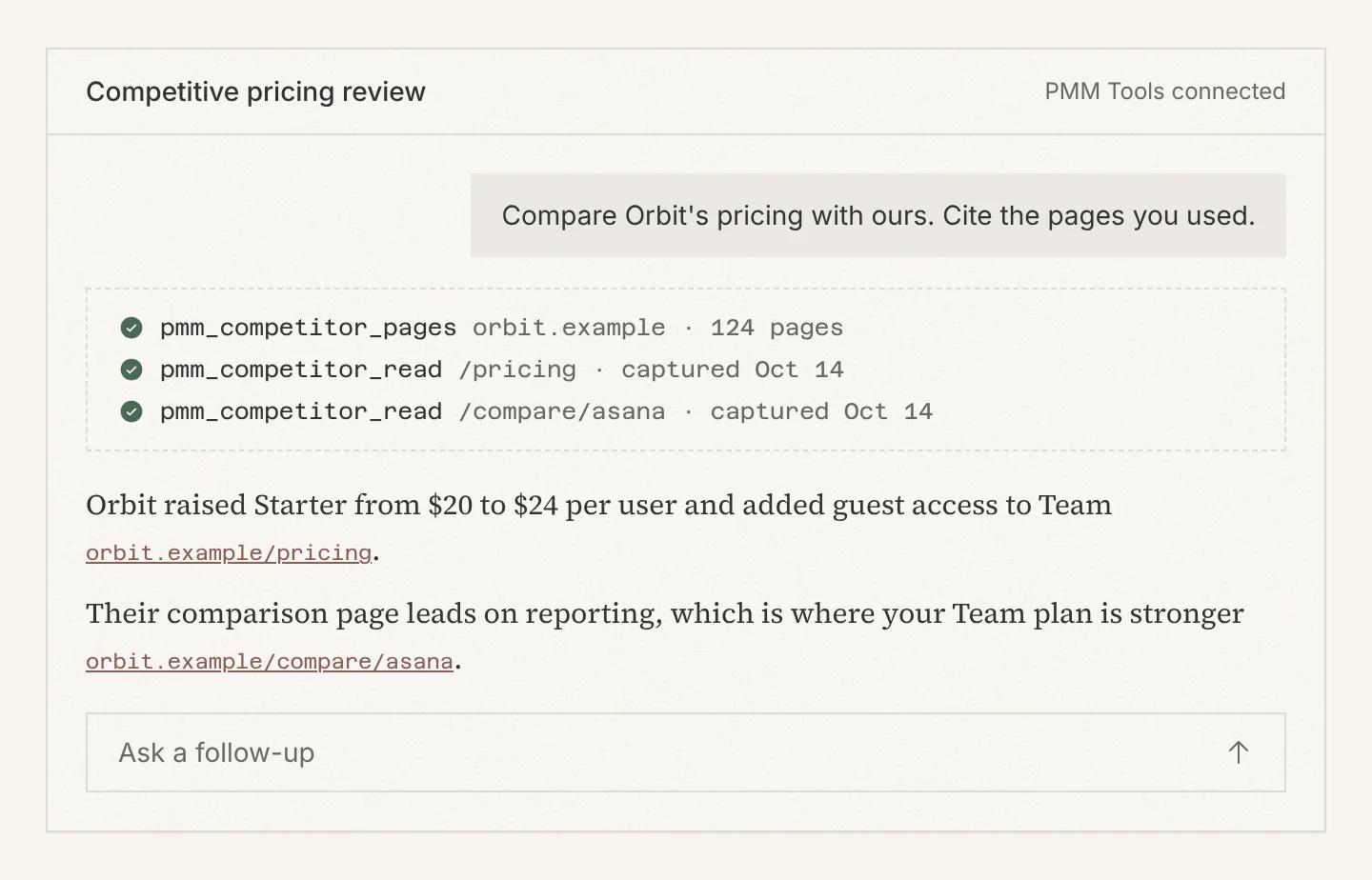
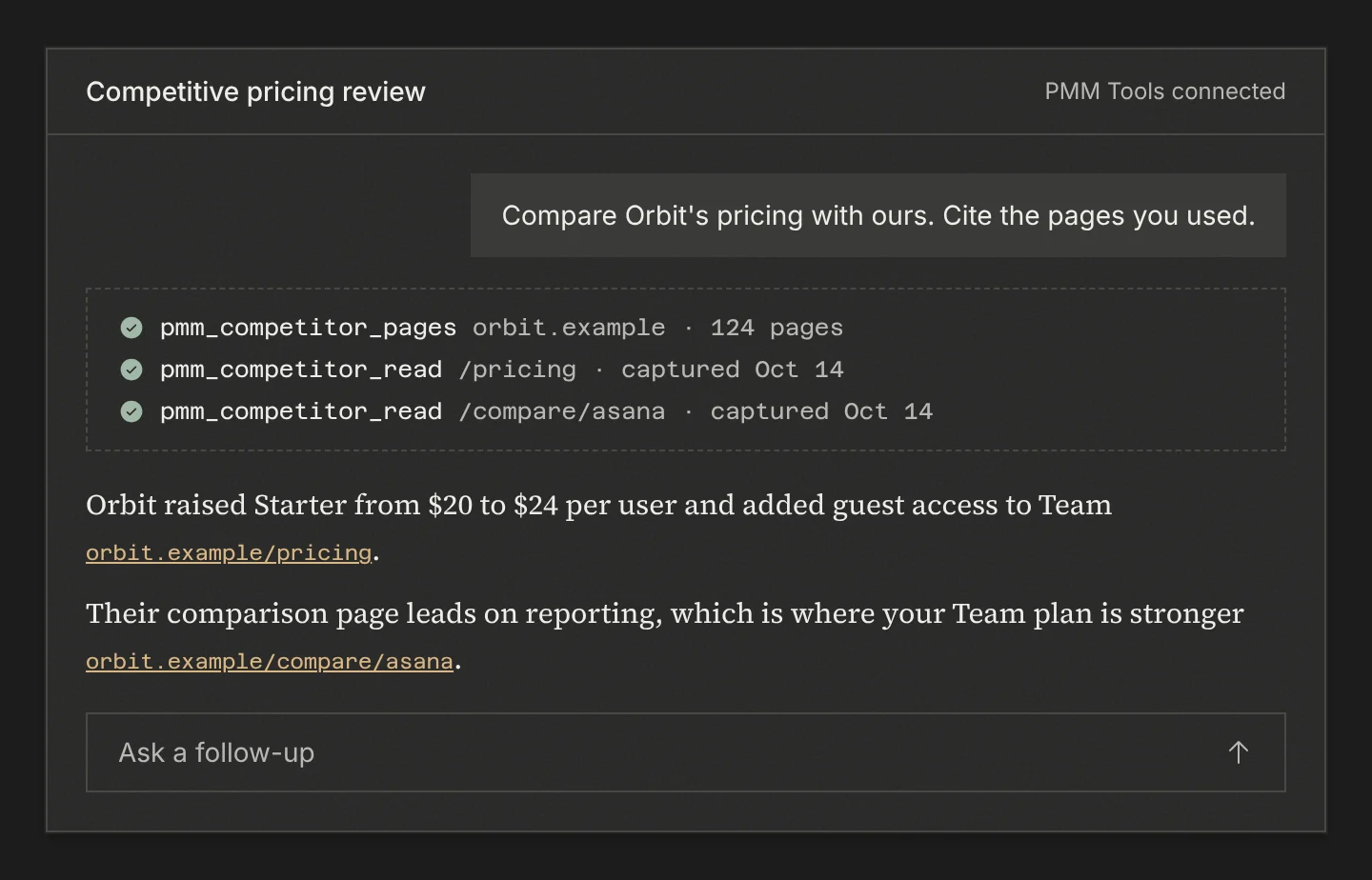
Connect Claude, ChatGPT, Cursor, Codex or any MCP client. Your AI lists the competitor’s pages, reads the ones it needs, and answers with links back to the source. 33 tools cover the whole workflow, so an agent can also add competitors and start runs.
Guide: Research competitors with your AI over MCP
What PMM Tools does not do
Research categories
Every page is sorted by the question it answers for a product marketer. The first five are captured by default; the rest are kept in the collection so you can include any page you want.
| Category | The question it answers | Captured by default |
|---|---|---|
| Pricing and packaging | What do they charge, and how is it packaged? | Yes |
| Positioning and comparisons | How do they position themselves, and what do they say against a named rival? | Yes |
| Product features | What does the product actually do? | Yes |
| Customer proof | Who buys it, and what do those customers say worked? | Yes |
| Integrations and platform | What does it plug into, and who builds on it? | Yes |
| Docs | How does it work, at the depth only the docs give? | Index pages only |
| News and blog | What are they announcing or publishing right now? | No |
| Other | Nothing a PMM is here for: careers, legal, events, SEO filler. | No |
Terms used in these docs
- Competitor
- One record per company, keyed by its primary domain. It holds the URL collection, the captures, the run history and the schedule.
- Library
- Your list of competitors. Each card shows how many pages were found and captured, and how fresh they are.
- URL collection
- Every page found for a competitor, each marked included or excluded by you, or auto (found by discovery and left to its category’s default). Your include and exclude decisions carry forward to every later run.
- Capture (snapshot)
- One page at one moment: its markdown, a screenshot, the source URL and the capture date. Some captures also keep the HTML.
- Run
- One pass that discovers and captures a competitor’s pages. You start one with Run, an agent starts one with pmm_competitor_run_now, or a schedule starts one.
- Bundle
- A ZIP of a competitor’s latest captures with a manifest.json that also lists every tracked page it does not contain, and why.
- Capture credits
- The monthly budget runs draw from. Reading captures, in the app or over MCP, does not use credits.
- Protected competitor
- A competitor whose site blocks ordinary automated capture. On Business and above, blocked captures are retried with heavier capture methods.
Questions
What are the steps of a competitor analysis?
Collect what the competitor publishes, sort it by the question it answers (pricing, positioning, product, proof), keep it current, then compare it with your own product and draw conclusions. PMM Tools does the first three steps and gives your AI the sources for the fourth. The conclusions stay yours.
Does PMM Tools write the competitor analysis?
No. PMM Tools collects and keeps the source material. The analysis happens in the AI you already use, in your own context, and every claim it makes can be traced to a captured page.
Which pages does PMM Tools capture by default?
Pricing and packaging, positioning and comparisons, product features, customer proof, and integrations pages. Docs index pages are captured too; individual docs articles, news, blog posts and other pages are found but not captured unless you include them.
How do I check what my AI says?
Every capture keeps its source URL, capture date and screenshot. When your AI cites a page, open the capture and compare the claim with what the competitor actually published on that date.
Doing this with ChatGPT, Claude or Cursor? Read AI competitor analysis with sources you can check.